Stealth Contacts

Some contacts are just
between you and you.

A private contacts vault that stays completely separate from your system address book.

Download on the App Store

Everything you need.
Nothing you don't.

Stealth Contacts is designed from the ground up to keep your private contacts exactly that — private.

Caller ID That Works

Their name shows when they call, even though they're not in your system contacts. You always know who's calling.

Face ID & Passcode

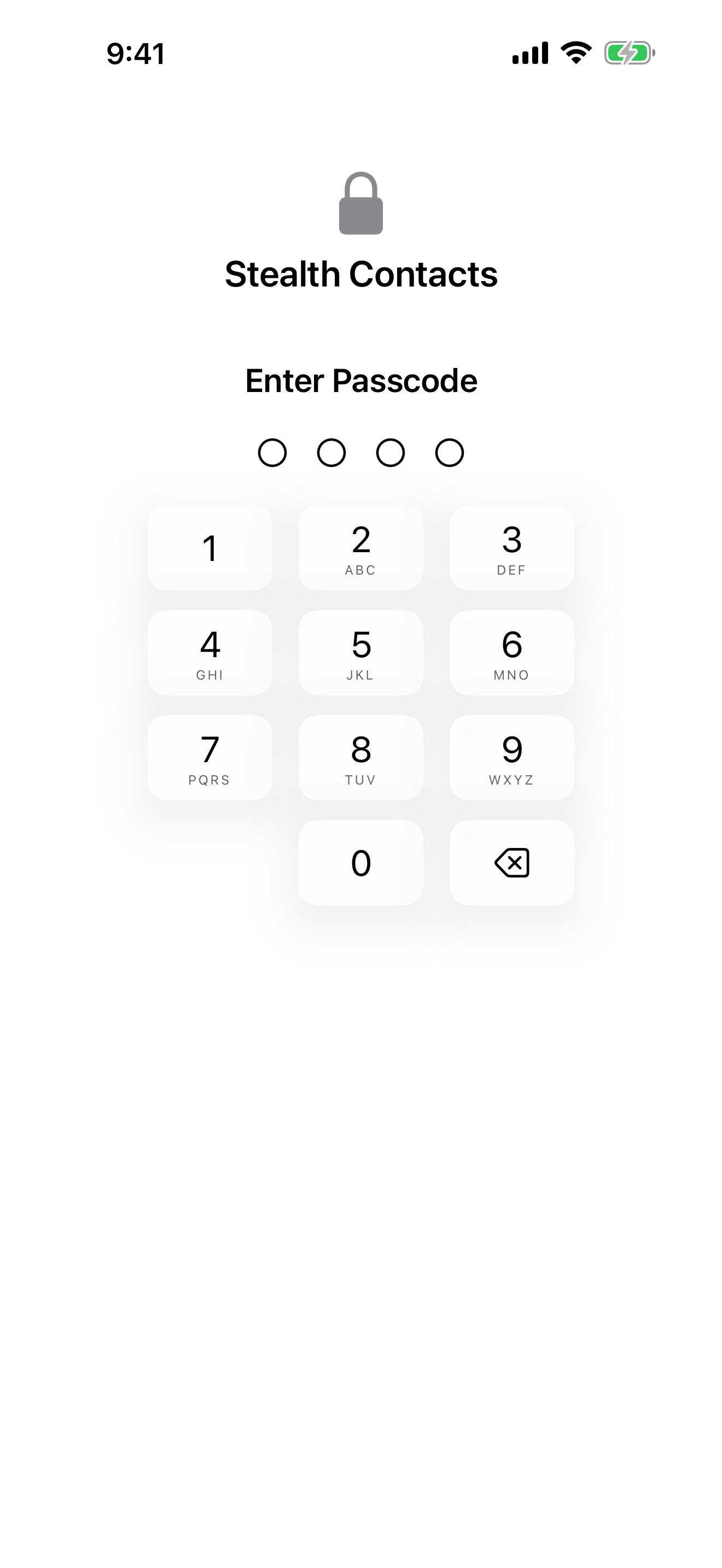
Lock your vault with Face ID, Touch ID, or a passcode. Configurable auto-lock keeps it closed when you forget.

Private by Default

Never appears in Spotlight, other apps, or your system address book. Your contacts stay exactly where you put them.

Privacy Screen

Hides contents the moment you switch away — in the app switcher, in notifications, over your shoulder.
Clean. Organized. Yours.

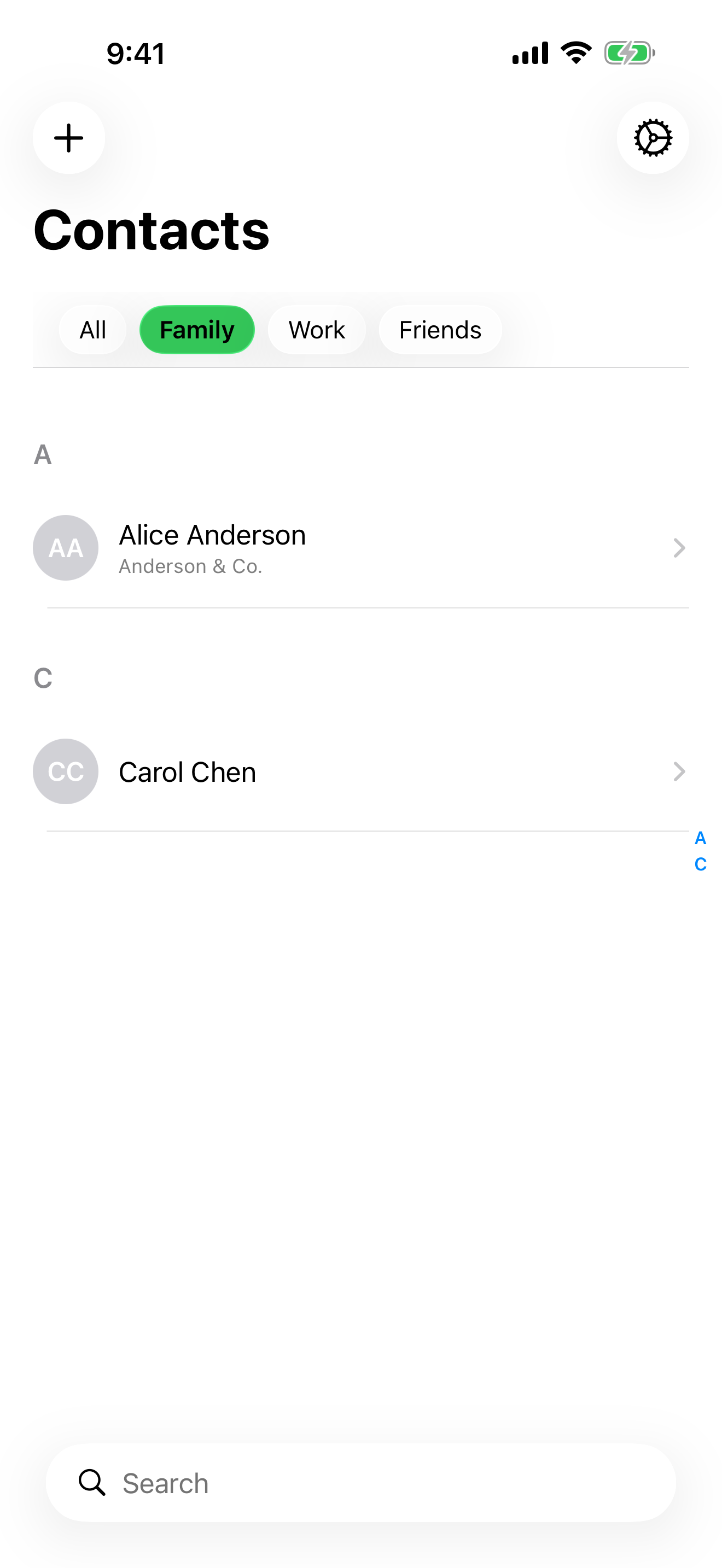
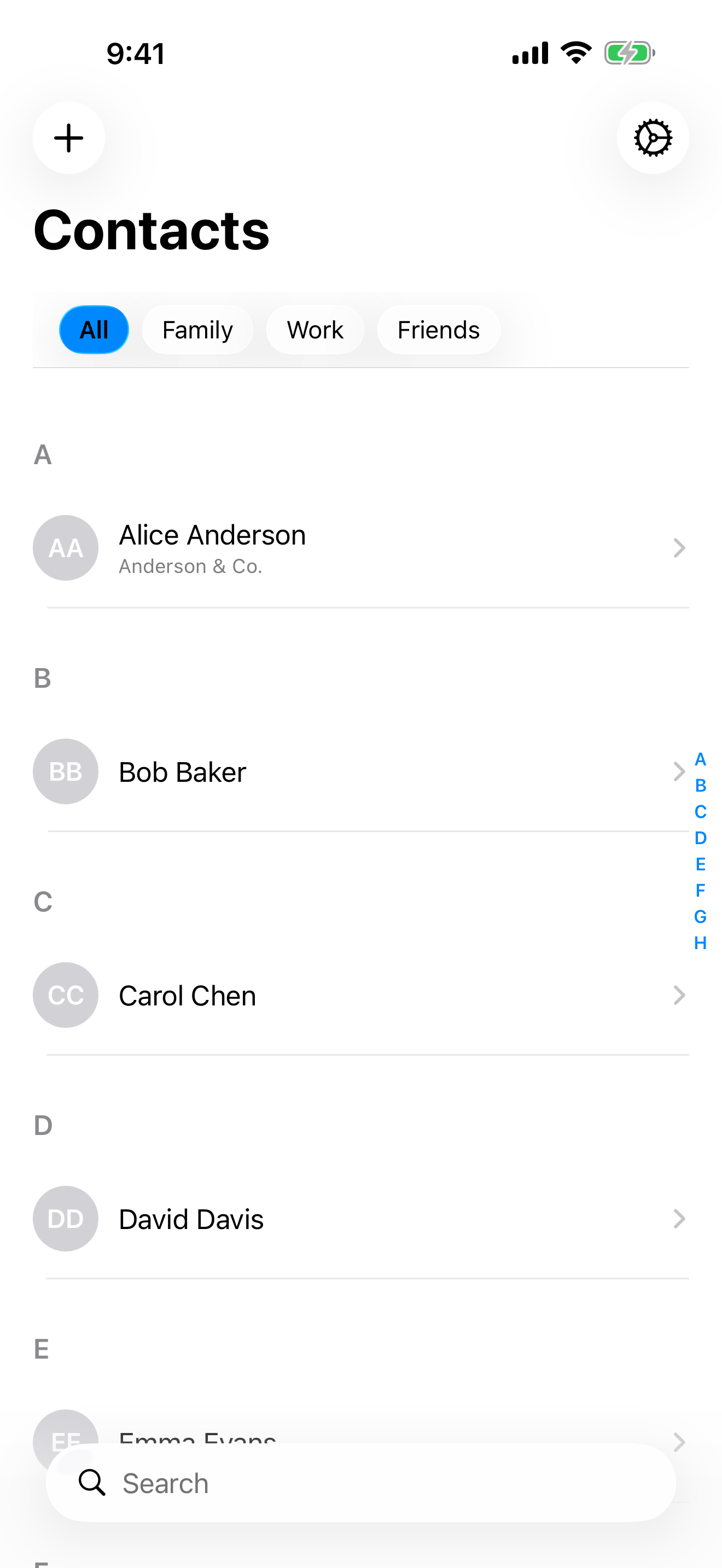
Stealth Contacts contacts list — a clean list of private contacts on iPhone
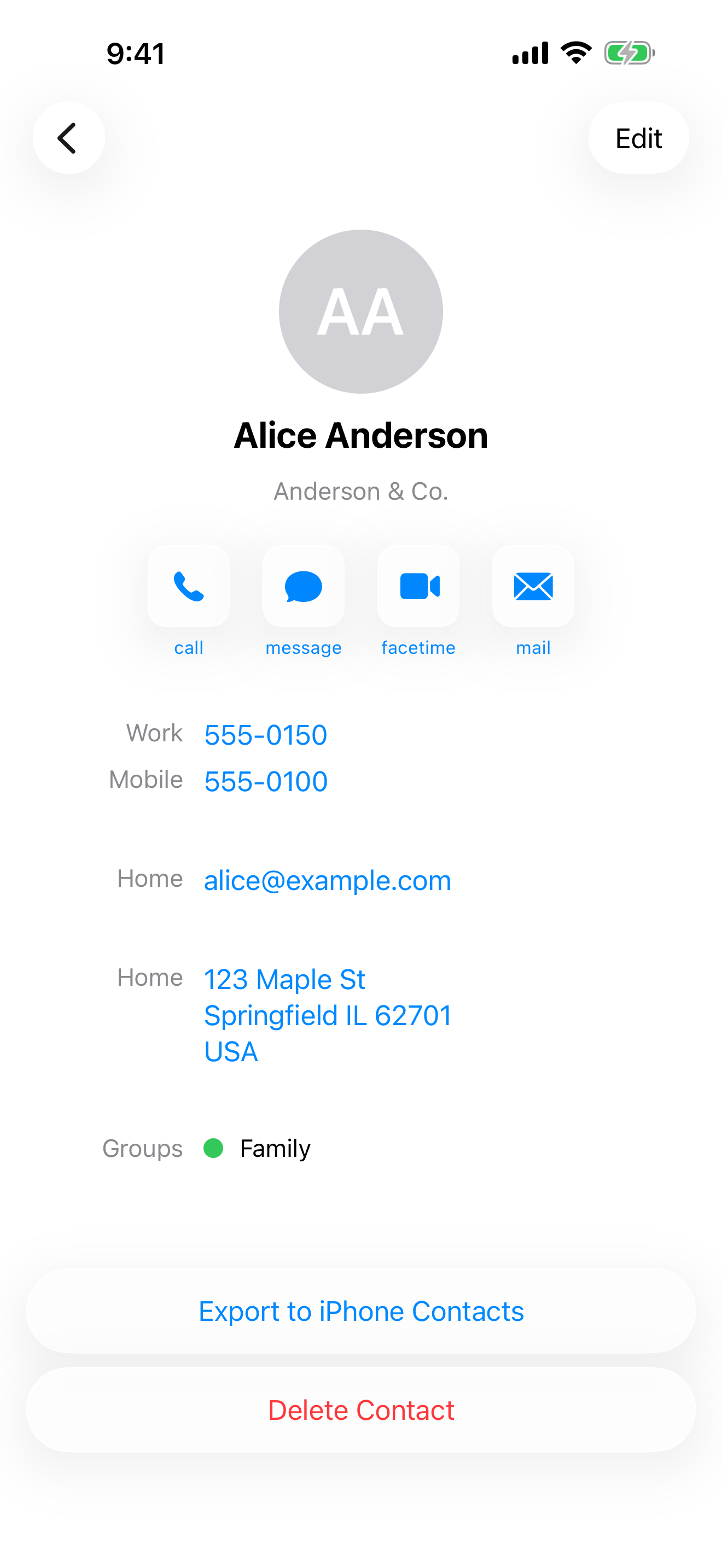
Contact detail view showing full private contact information on iPhone
Color-coded contact groups for organized private contacts
Passcode lock screen protecting the Stealth Contacts vault

Free to start.
More when you need it.

Free

Stealth Contacts

Everything you need to keep contacts private.

  • Unlimited contacts
  • Face ID & passcode lock
  • Privacy screen
  • Private by default
Download Free

Common questions

Does Stealth Contacts appear in Spotlight or other apps?
No. Contacts in Stealth Contacts are completely separate from your system address book and never appear in Spotlight search, other apps, or anywhere outside the Stealth Contacts app.
Are my contacts visible in iCloud Contacts?
No. Even when iCloud sync is enabled, your data syncs through a separate, private iCloud container — completely independent of your system iCloud Contacts. Your stealth contacts never appear in the Contacts app on any of your devices.
What happens if I forget my passcode?
Your passcode cannot be recovered — it is stored as a secure hash and is never transmitted anywhere. If you forget it, you can delete and reinstall the app, though your contacts will be lost unless you have iCloud sync enabled (Premium).
Is caller ID visible to the person calling me?
No. Caller ID is one-way: you see their name when they call, but they have no way of knowing you have them saved in Stealth Contacts. The feature works entirely on your device using Apple's CallKit framework.
Does Stealth Contacts store my data on its servers?
No. All your contact data is stored locally on your device. If you enable iCloud sync, data is stored in your personal, private iCloud container. Stealth Contacts has no servers, collects no data, and has no access to your contacts.

Download Stealth Contacts

Free on the App Store. No account required.

Download on the App Store